# Product Features

> The Most Appropriate Solution for Fleet Managers, Big Fleet Companies with Multiple Branches as well as Fleet System Owners.

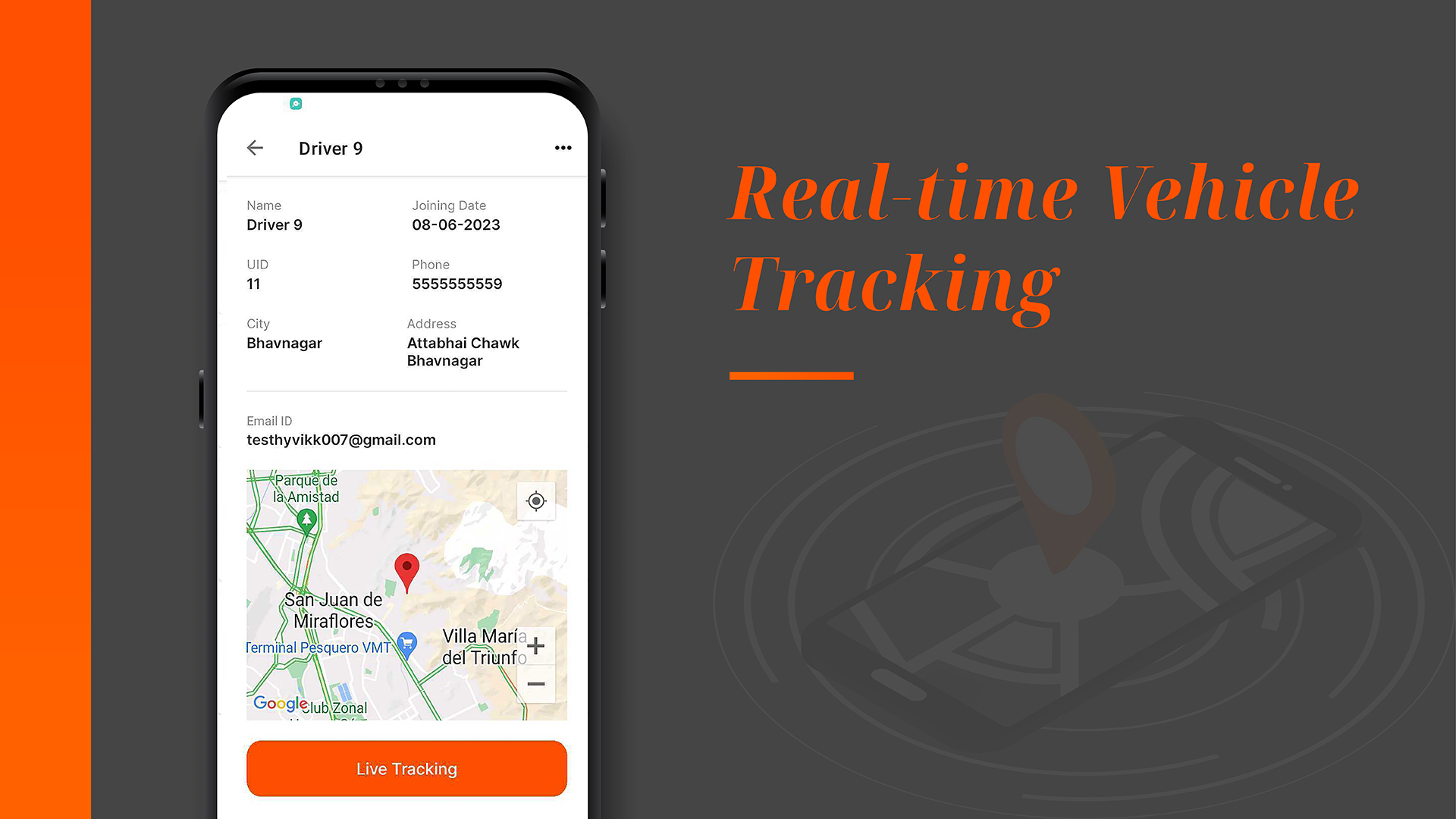
## Real-time Vehicle Tracking

Keep a watchful eye on your entire fleet in real-time. Know exactly where each vehicle is at any given moment, ensuring optimal route planning and on-time deliveries.

<figure><img src="/files/BGsrD1ODo36vPRLpJS7k" alt=""><figcaption><p>Driver's Details Including <em>"Live Tracking"</em></p></figcaption></figure>

## Performance Analytics

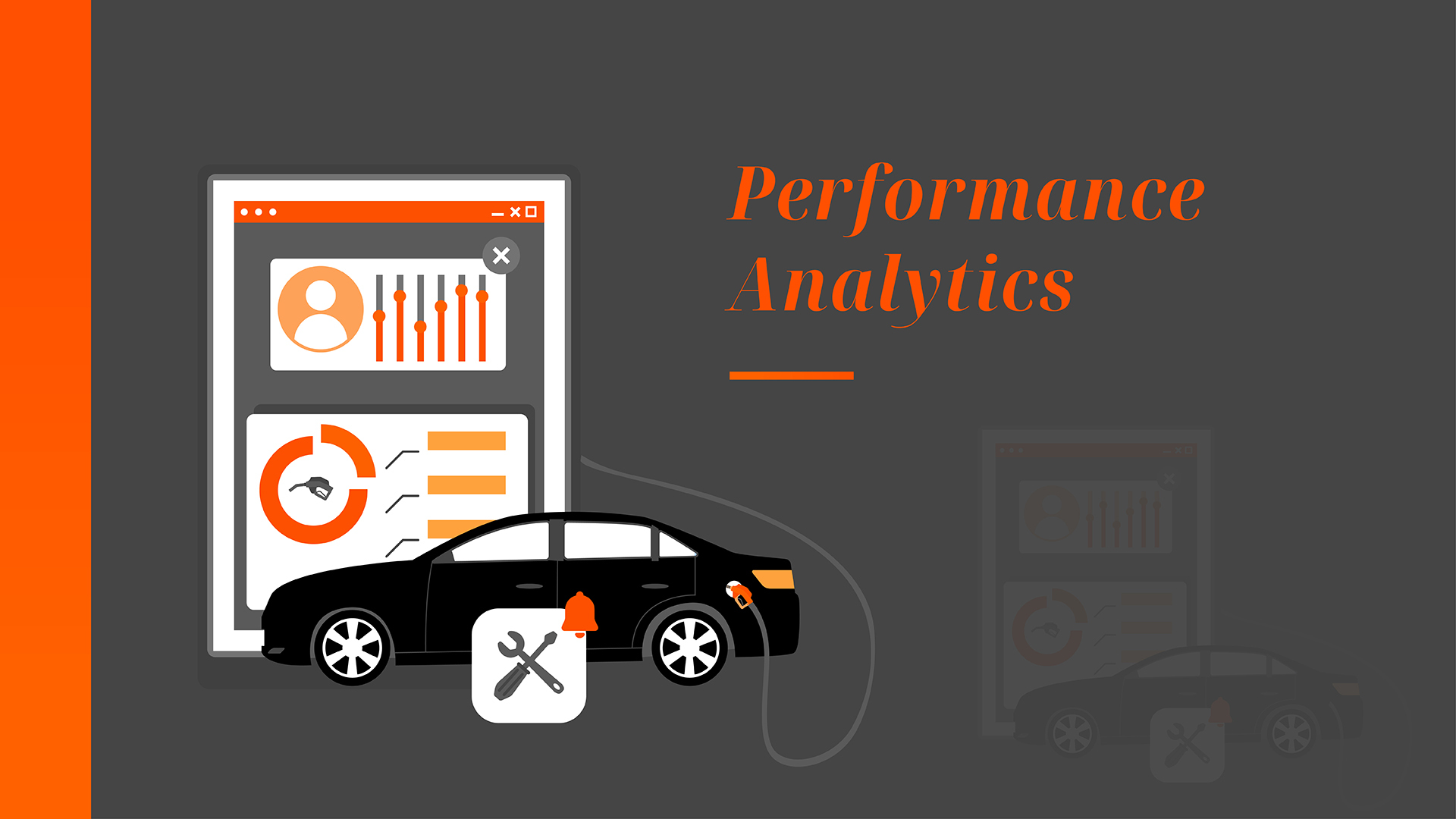
Dive deep into your fleet's performance metrics. Access detailed reports on fuel consumption, maintenance schedules, driver behavior, and more, empowering you to make data-driven decisions.

<figure><img src="/files/7zghYPALLSllI1ecM0yF" alt=""><figcaption><p>Detailed Analytics on Feature Rich Dashboard</p></figcaption></figure>

## Maintenance Scheduling

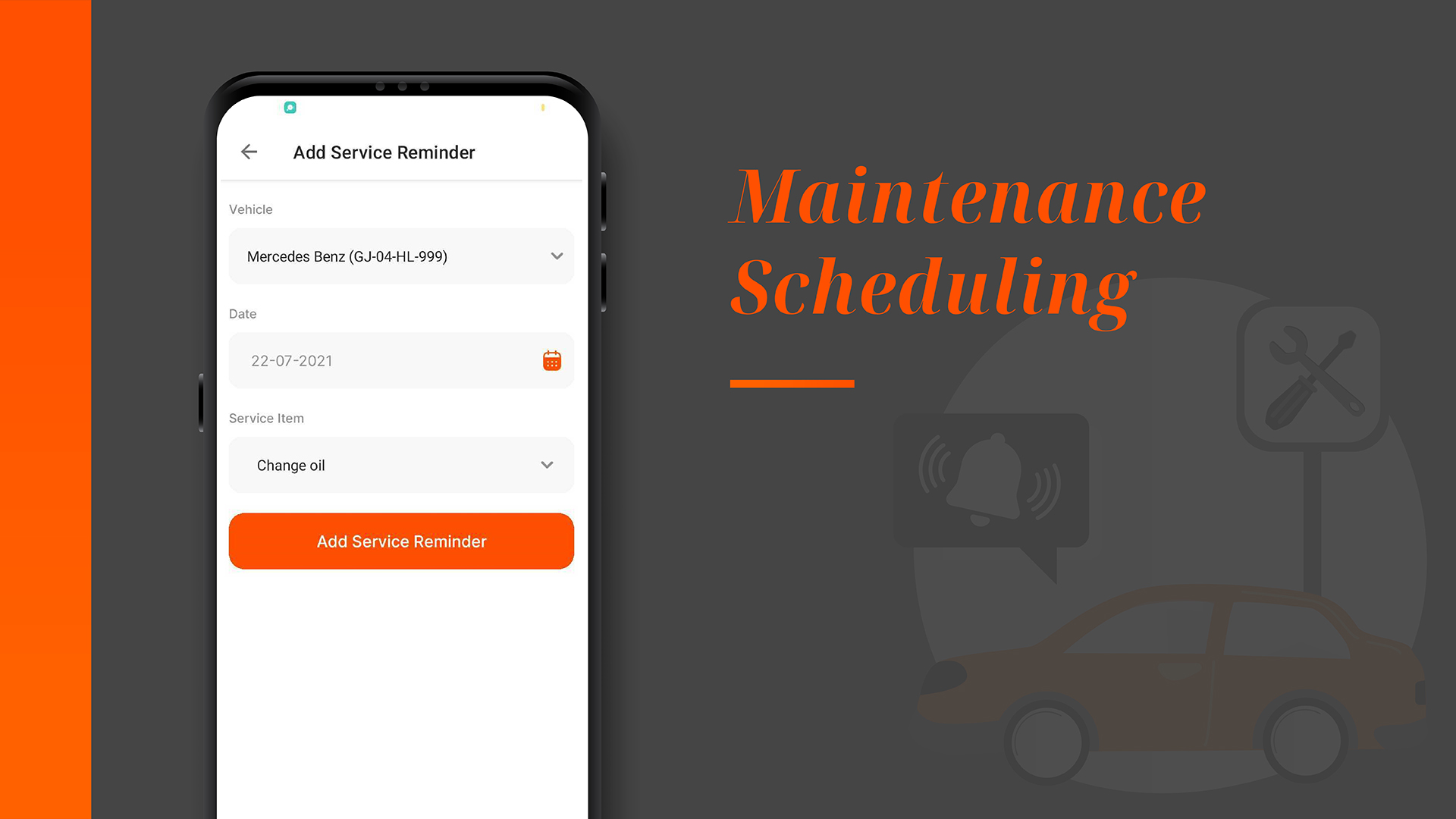
Never miss a maintenance appointment again! Fleet MultiBranch helps you schedule and track vehicle maintenance, reducing downtime and extending the lifespan of your vehicles.

<figure><img src="/files/hDyGTdrRieBCIdoar8Tl" alt=""><figcaption><p>Schedule Maintenance Reminders From "Add Service Reminders"</p></figcaption></figure>

## Driver Management

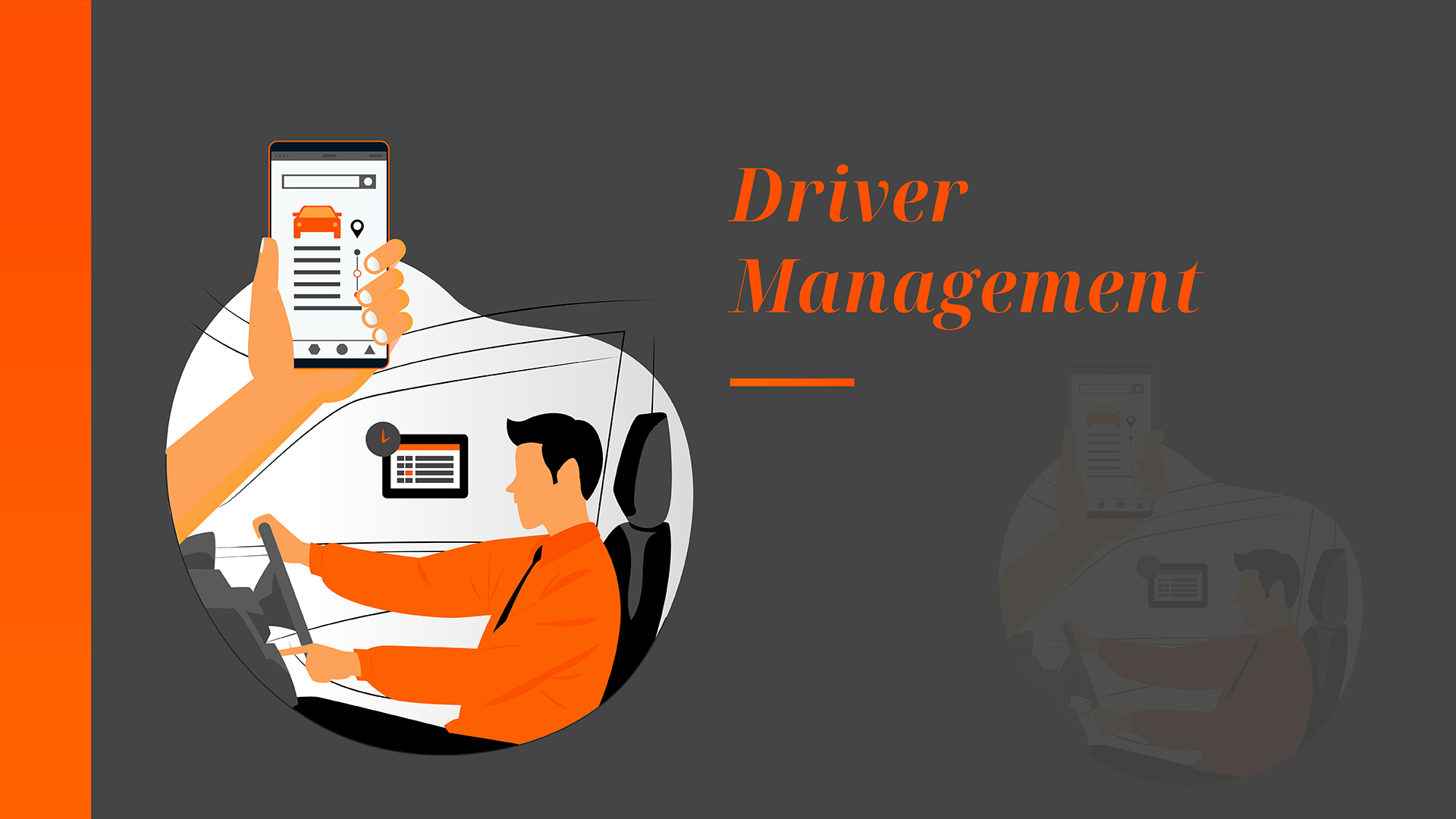
Efficiently manage your drivers by assigning tasks, monitoring driving behavior, and keeping records of their working hours. Ensure compliance with regulations and enhance driver safety.

<figure><img src="/files/wzNc4tFM1tgo0fGvwuu3" alt=""><figcaption><p>Manage Drivers Using "Drivers" Module</p></figcaption></figure>

## Security Features

Keep your fleet and data secure with advanced security measures with user authentication.

<figure><img src="/files/bBKxIq5zDN2kYhluDIGB" alt=""><figcaption><p>Data Security Using Laravel - AES Encryption</p></figcaption></figure>

## Download invoices in pdf

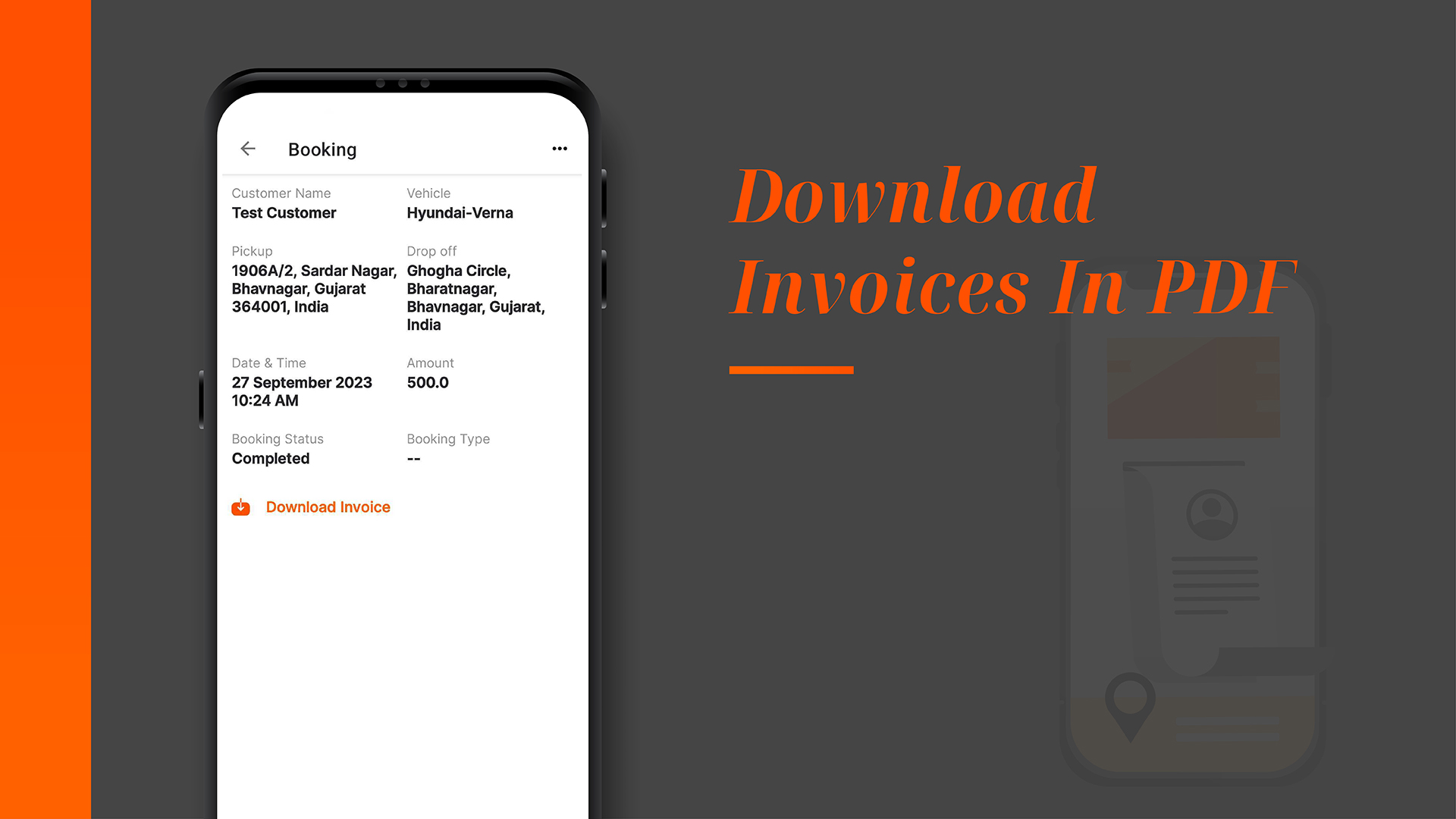
This feature is designed to allow fleet operators or administrators to retrieve and save invoices related to services or transactions with their vendors in a convenient PDF format. This feature can streamline the process of managing financial records, enhance transparency, and facilitate easy record-keeping.

<figure><img src="/files/x1t67QKhlAEaeDVECasE" alt=""><figcaption><p>One Click Invoice Download</p></figcaption></figure>

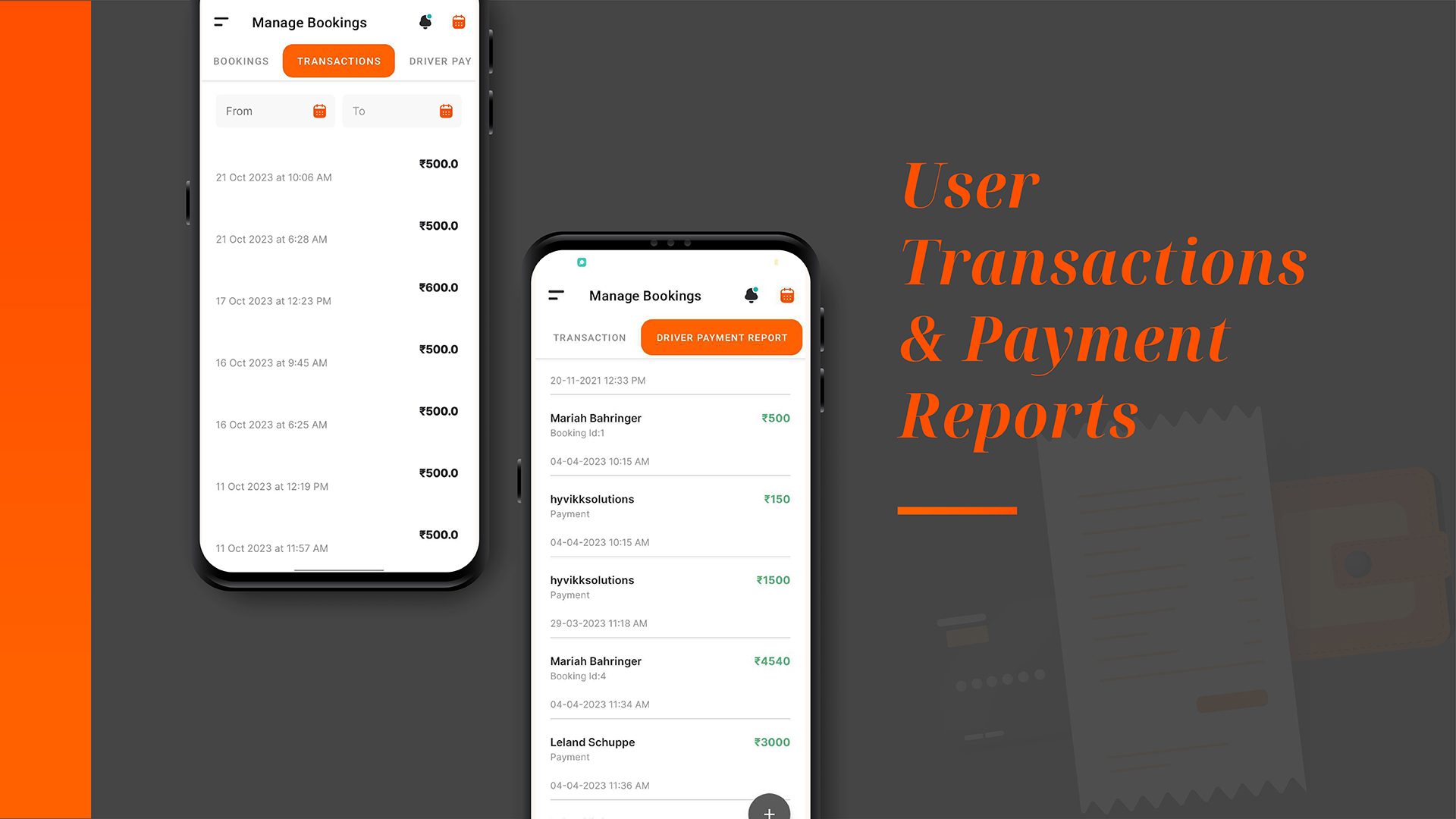
## User Transactions & Payment Reports

Provide detailed information and summaries of transactions and payments made by users or customers who utilize the services.

<figure><img src="/files/Km8QdwIAQ2K1ZkVCZwer" alt=""><figcaption><p>User Transactions &#x26; Received Payment Reports Feature</p></figcaption></figure>

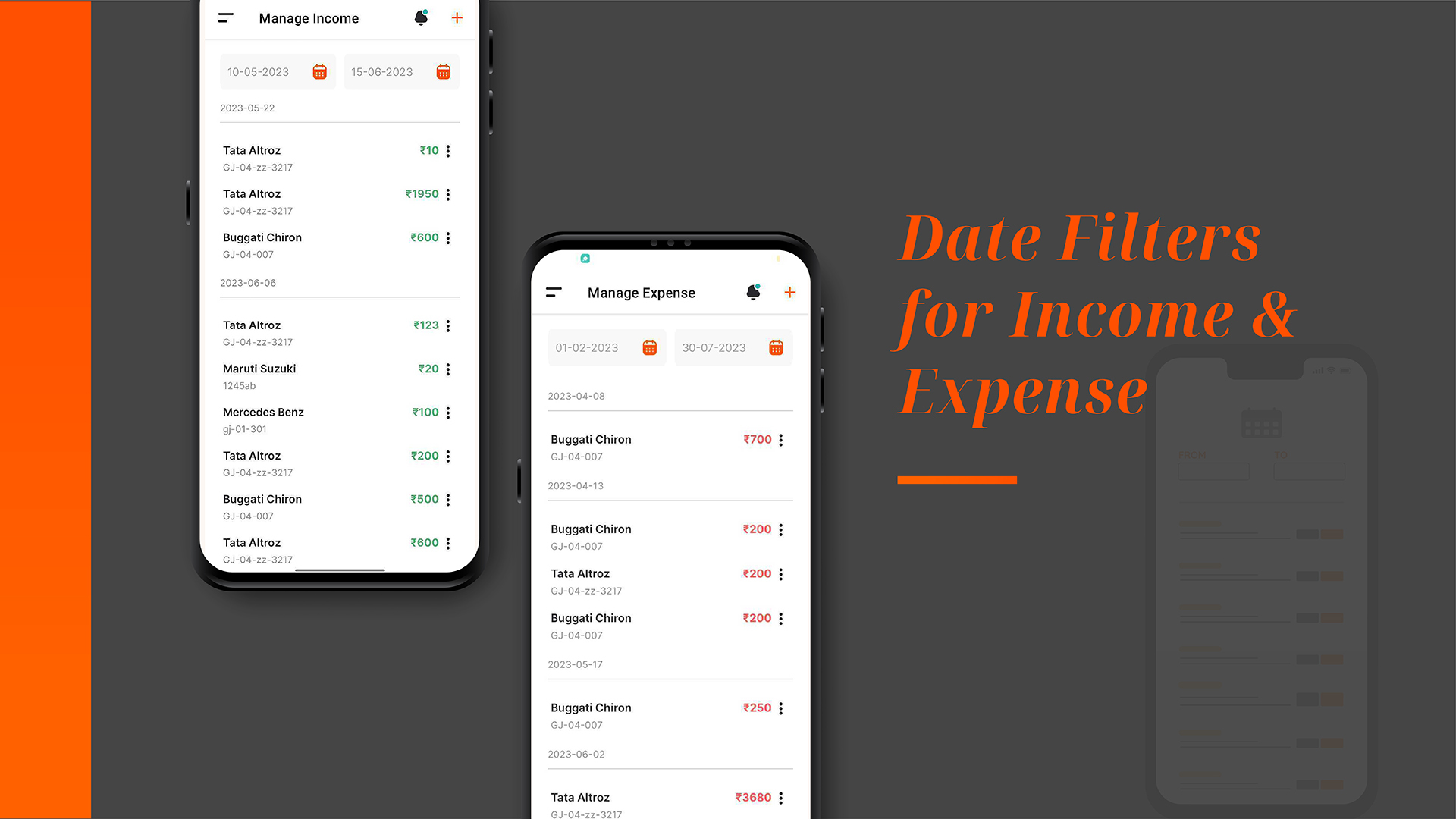
## Filters for income/expense Data

Filtering income and expense data date-wise is a specific capability that allows users to sort and analyze financial information based on a chosen date or date range. This feature is especially useful for tracking financial transactions and performance over specific time periods.

<figure><img src="/files/K9Nvm03l1EK4RX1JS6sn" alt=""><figcaption><p>Date Filters in Manage Income &#x26; Expense</p></figcaption></figure>

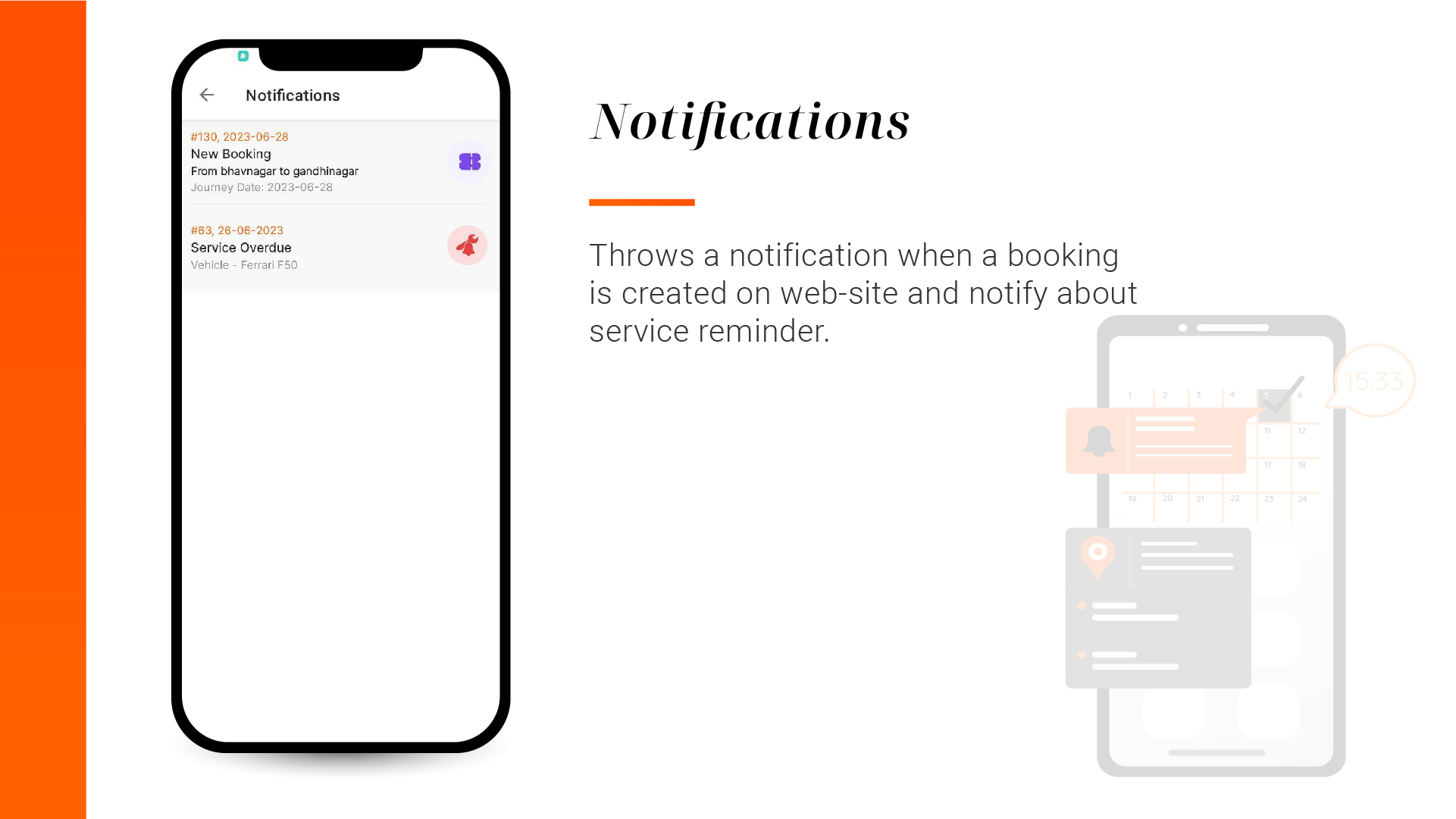
## Notifications

Sends an App notification when booking is created i.e when a customer creates booking on the Fleet Manager app frontend.

<figure><img src="/files/FAvldpXxFfo3NZlWdo0h" alt=""><figcaption><p>App Notifications</p></figcaption></figure>


---

# Agent Instructions: Querying This Documentation

If you need additional information that is not directly available in this page, you can query the documentation dynamically by asking a question.

Perform an HTTP GET request on the current page URL with the `ask` query parameter:

```
GET https://fleetmulti.hyvikk.space/overview/product-features.md?ask=<question>
```

The question should be specific, self-contained, and written in natural language.
The response will contain a direct answer to the question and relevant excerpts and sources from the documentation.

Use this mechanism when the answer is not explicitly present in the current page, you need clarification or additional context, or you want to retrieve related documentation sections.